A hands-on guide to Sketch — the multiband transient shaper. Hover-free, keyboard-friendly, and honest about what each control does. Start in 90 seconds or dig into every knob.
For total beginners and returning pros. Read in either language.
Positive curves — draw the shape, not a threshold.
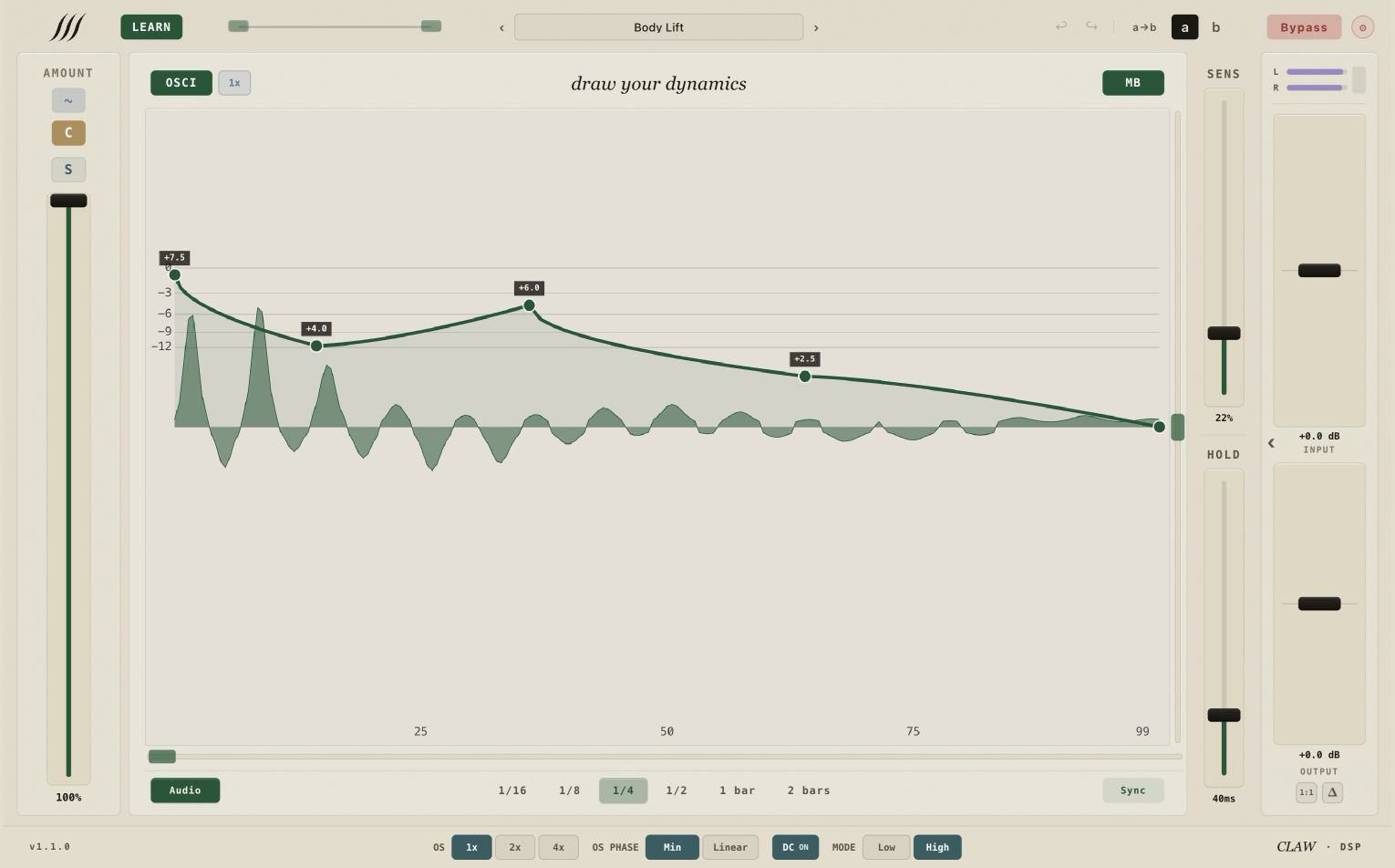
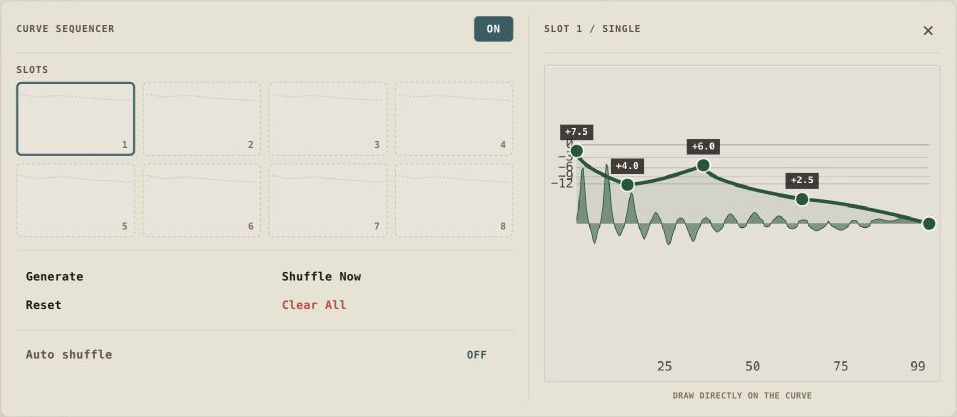
A traditional dynamics tool cuts what crosses a line. Sketch fires a curve you drew on every accepted hit — so a point above 0 dB adds gain and a point below it removes gain. You can lift a tail, tuck an attack, tilt a body, and keep those decisions visible on the canvas instead of hidden inside an envelope generator.
Positive points above 0 dB add gain; negative points remove it. What you draw is what fires.The waveform under the canvas is your reference — the drawn curve sits above the hit it will shape.
/01
Quick start
0 → sound in 4 steps
01
Get Sketch
Buy the one-time license — license and account access are enabled after payment confirmation — or run the full version free for 21 days, with no card and no feature limits.
Sign in to your account to find your download. The installer and available formats are shown on your account page per published release. Run the installer, then rescan plugins in your DAW if needed.
Open Sketch in your DAW and paste your license key. Activation starts with one online check; afterward paid licenses work offline for up to 30 days between successful validations.
Play a representative passage and use LEARN to analyze its hits. When the capture has enough usable transients, Sketch updates the detector settings; then shape the envelope and A/B it in context.
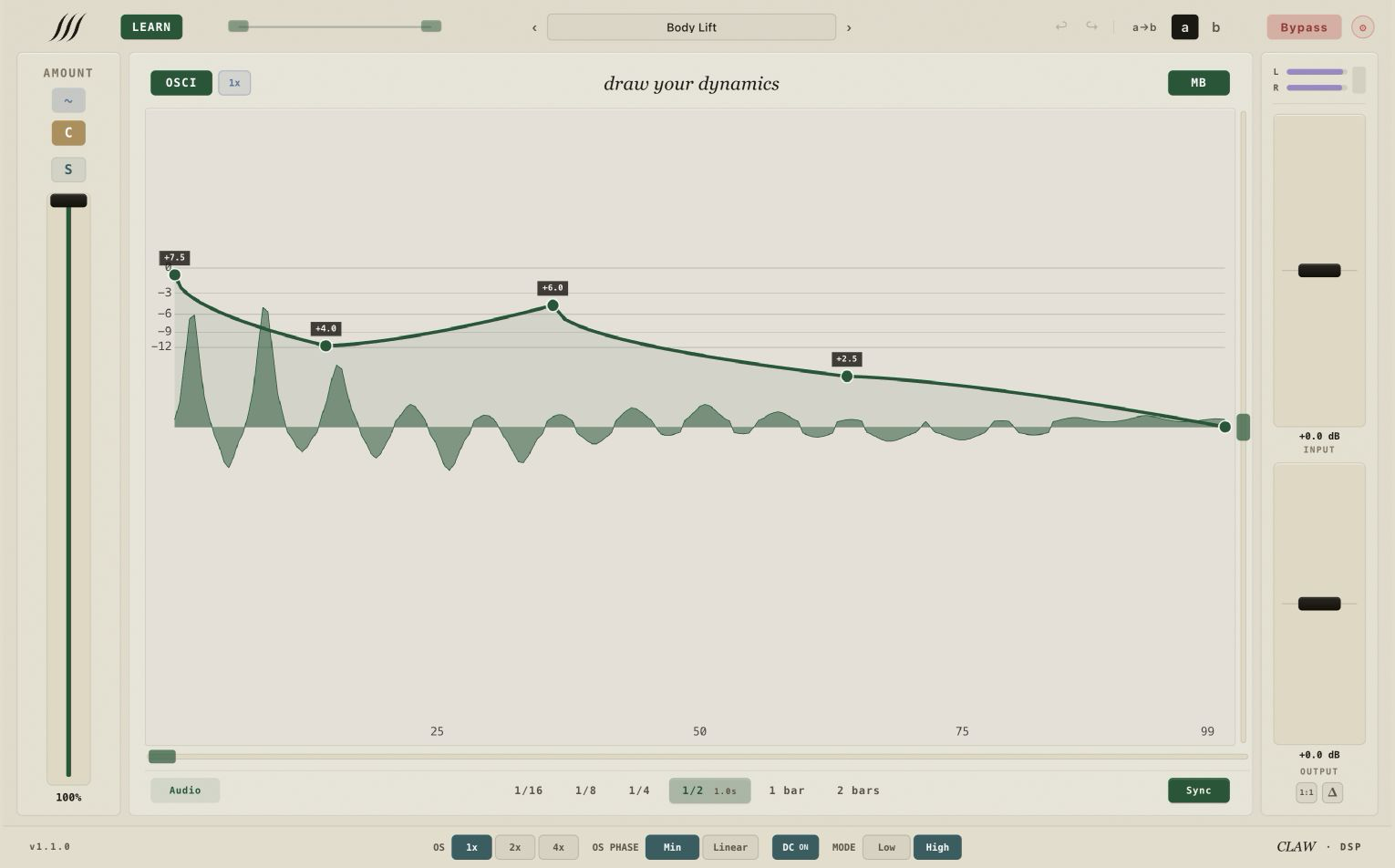
Single band — one envelope across the full spectrum.
Drawable envelope
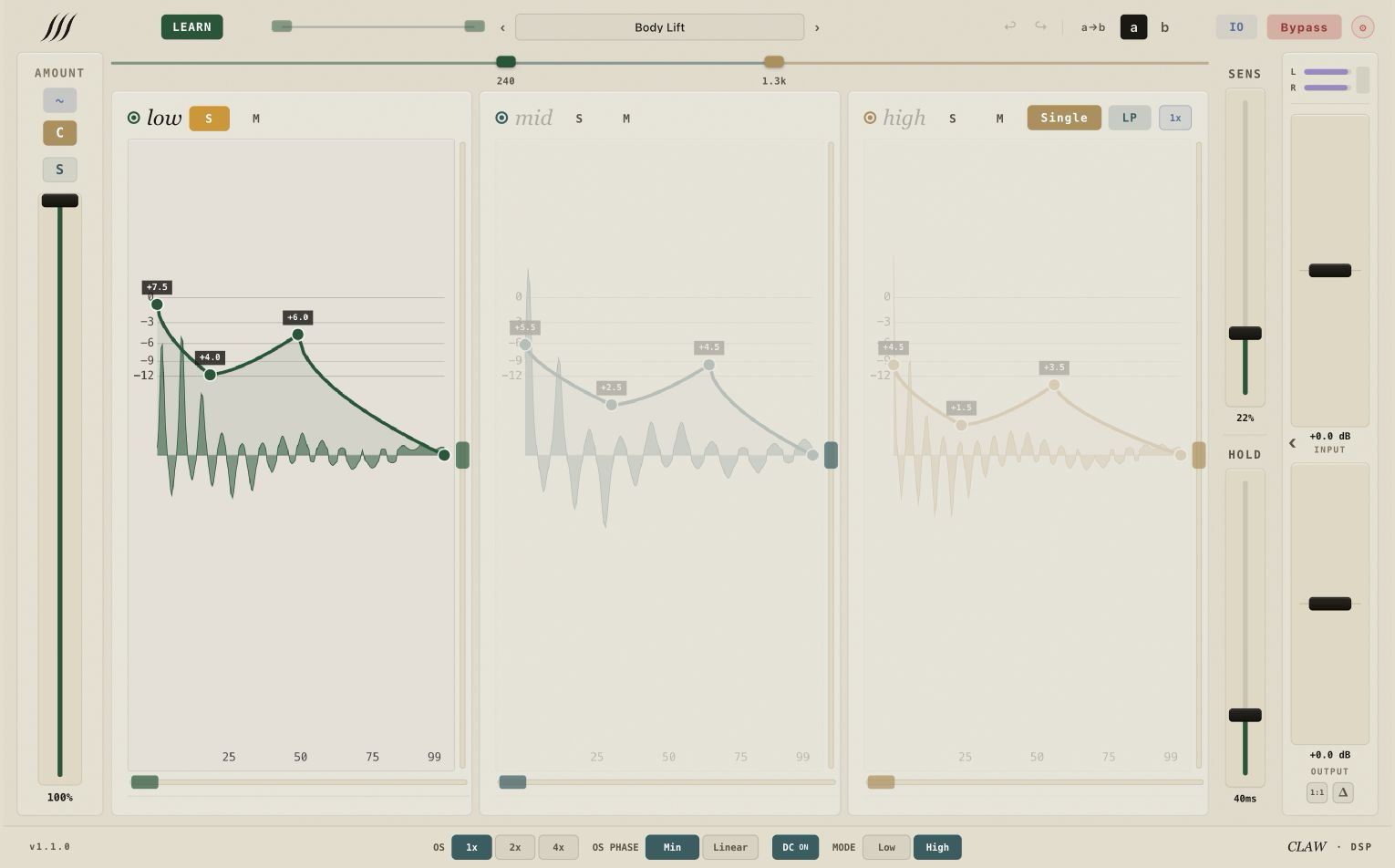
Sketch fires your custom envelope at every accepted trigger — drawn in the canvas with editable points and Bezier segments.
Drawable canvas
Points and Bezier segments — pull handles to shape the curve.
Height / Flip / Length
Height moves the whole curve vertically on the nonlinear dB canvas; Flip gradually mirrors the curve vertically within its current gain range; Length sets the time window.
Alt-drag / Link Bands
Alt-drag either Flip or Height to apply that same control across all three bands. Link Bands is a context-menu option that copies the current curve to all bands and propagates later curve edits.
Non-linear Y
−60 to +9 / +18 dB, with fine control near unity.
A / B + copy A→B
Per-instance comparison with copy A→B. Curve editor undo / redo stores up to 20 in-plugin states.
LEARN detector
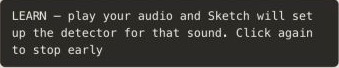
Hit LEARN and play a representative passage. When the analysis has enough usable hits, Sketch updates the shared detector settings for that source.
LEARN
Analyzes a representative passage and updates Focus, Sens, Detail, Hold and Trigger Shift.
Sens
0–1 sensitivity — absolute threshold roughly −10 to −20 dBFS.
Detail / Trigger Shift
Detail guards against the local mean; Trigger Shift adjusts where detection lands around a hit.
Hold
UI range 20–500 ms. Effective retrigger spacing is max(Hold, 60 ms), so values from 20 to 59 ms still shape the Detail guard even though they don't shorten the retrigger window below 60 ms.
Humanize (Depth + Rate)
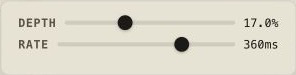
Humanize smoothly varies the global Amount around its set value. Depth is the maximum offset in Amount percentage points; Rate is the nominal irregular pace at which new random targets are chosen. It changes how strongly accepted curves apply — it does not create, move, or reject triggers.
Character
Gives each envelope trigger a fresh 0-to-Amount ms offset before the curve timeline progresses beyond its first point. During the offset the first curve value is held. Audio, Sync and Sequencer triggers all use it. Set 0.00 ms to disable.
Type
Absolute-threshold detector; shaper lookahead is 38 samples in LOW quality or 202 samples in HIGH at 48 kHz.
Multiband split
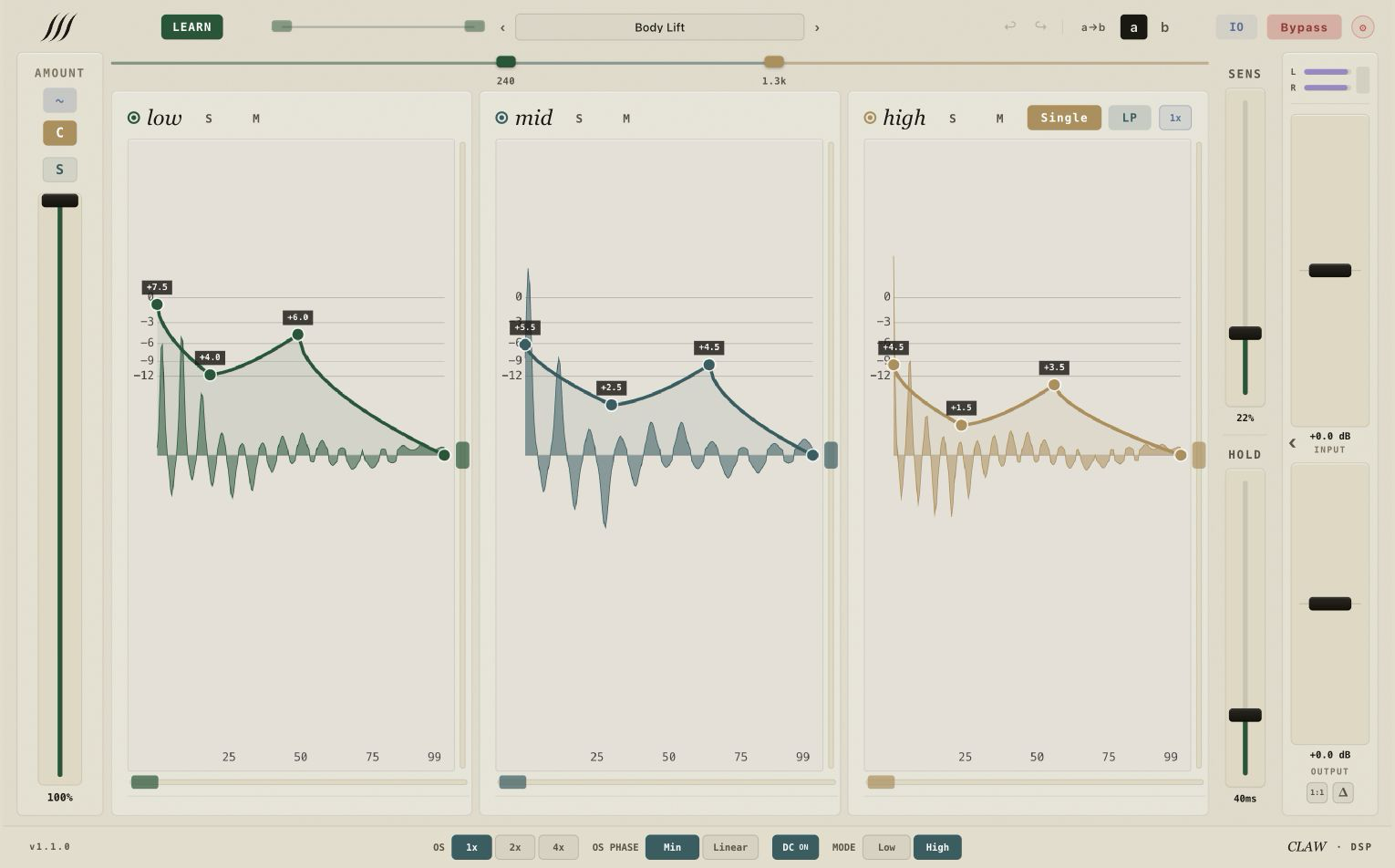
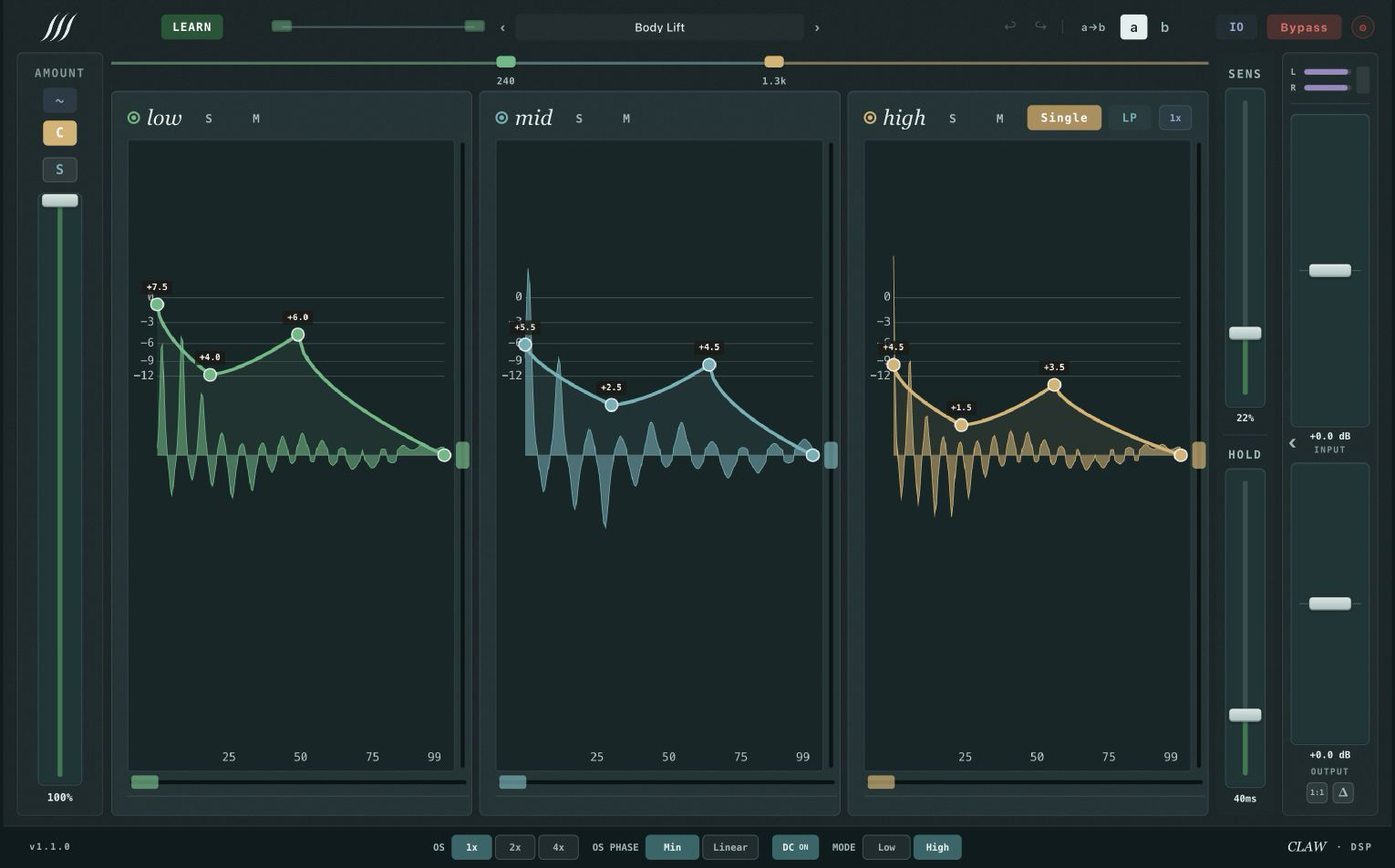
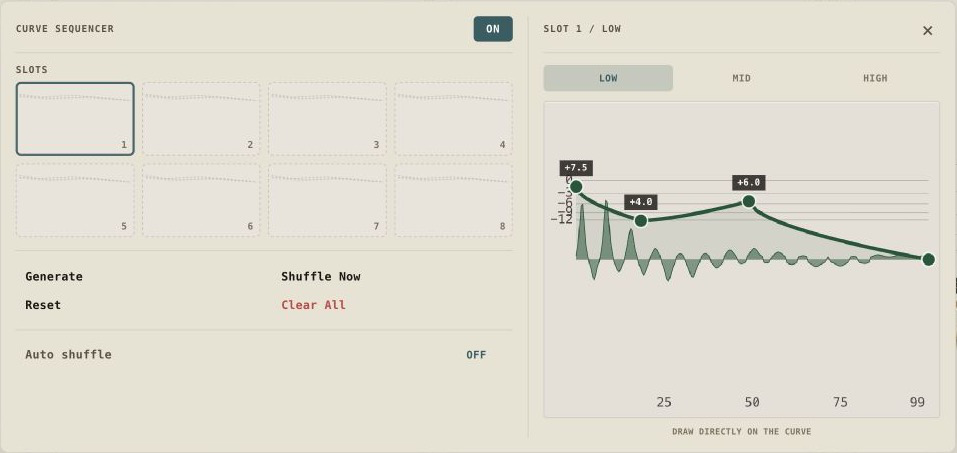
Flip MB and Sketch becomes three independent shapers — low, mid, high — each with its own canvas. The detector, Focus, Audio / Sync mode and musical division are shared across bands.
3-band crossover
Linear-phase mode reconstructs the split with a common delay; minimum-phase uses a complementary IIR / all-pass topology. Defaults: 240 Hz / 1.3 kHz.
Frequency & slope
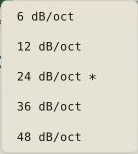
The first split has a 125 Hz release floor. Right-click either split for 6, 12, 24, 36 or 48 dB/oct; Alt applies the chosen slope to both splits.
Linear-phase mode
Adds 256 samples. At 48 kHz, total shaper latency is ~6.1 ms in LOW or ~9.5 ms in HIGH, before any additional output-protection latency.
Per-band solo / mute
Isolate a band while shaping it.
Per-band effect bypass
Audio passes through, shaper off — for the band you're not touching.
Trigger
Fire the envelope from the audio itself, or lock it to the DAW clock.
Audio
The detector triggers from the incoming transients.
Sync
Lock to the DAW at musical divisions (e.g. 1/16) via PPQ.
External sidechain
Mono or stereo sidechain input; detection falls back to the main signal when no sidechain is present.
Amount & output
How hard the shaping hits, and what catches the peaks on the way out.
Amount
Scales the drawn envelope in dB from 0% to 100%. It is not a dry/wet control.
Input / Output
Input gain feeds the shaper; Output gain trims the final processed signal. Both run from −24 to +24 dB.
Wet / Intensity
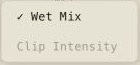
Click the Output label to switch to Wet. Wet blends the aligned processed difference over the dry signal. Right-click Wet for Wet Mix and Clip Intensity; Clip Intensity is only available when the ceiling is Hard Red.
1:1 / Delta
1:1 listens and compensates the processed level toward the original loudness. Delta monitors the aligned processed-minus-dry difference.
Output ceiling
Off, Soft Clip, Hard Red and Clean — the last two are variants of Hard Clip. 1×, 2× or 4× oversampling, optional minimum- or linear-phase oversampling, and a DC filter.
Latency
Shaper lookahead: 38 samples in LOW quality or 202 in HIGH at 48 kHz. LP adds 256 samples; clipper oversampling may add more.
Canvas & workflow
The canvas, library and view controls change how you draw, inspect and recall curves without changing the underlying trigger model.
Curve library
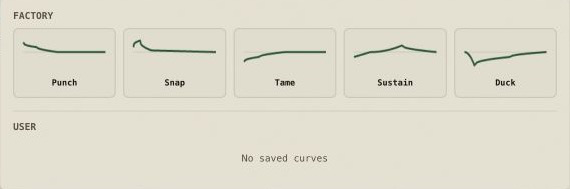
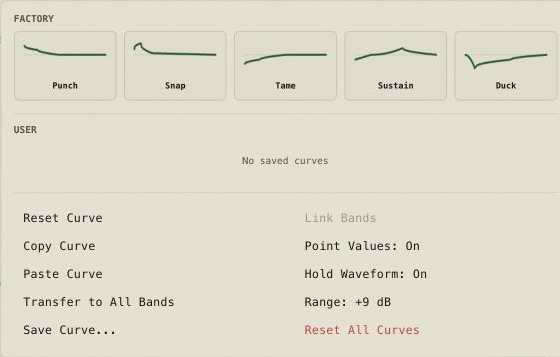
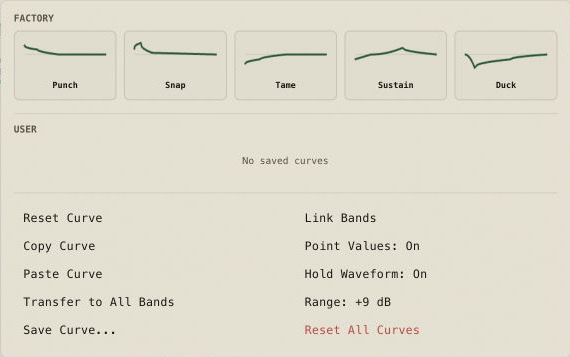
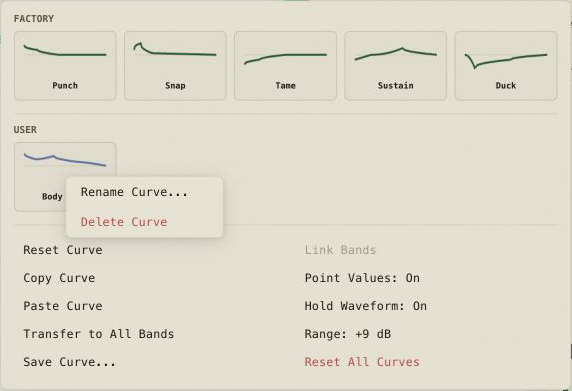
Copy and paste curves, transfer a curve to all bands, load factory curves, and save, rename or delete named user curves.
Generate
Always visible on the Curve Sequencer. It only acts when Main has nonempty Single, Low, Mid and High curves and a valid bank. When it acts it replaces all eight slots and materializes their four components, preserves each source's time, Bezier and slider states, and varies only the editable gains — four positive and four negative bounded variations — as one undoable step. It retains the current shuffle mode and restarts the playhead.
VIBE / OSCI
Switch between the filled VIBE scope and the classic OSCI waveform view; this changes the display, not the audio path.
Zoom / Hold Waveform
Cycle the scope through 1x, 2x, 4x or 8x and pan the zoomed view. Hold Waveform controls how a completed hit is displayed during silence; neither changes DSP timing.
Layout / Night / Help
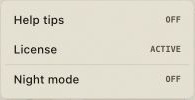
Fold the detector and I/O columns without changing values. Settings also contains hover help, licensing, and the normal or teal Night theme.
Recall
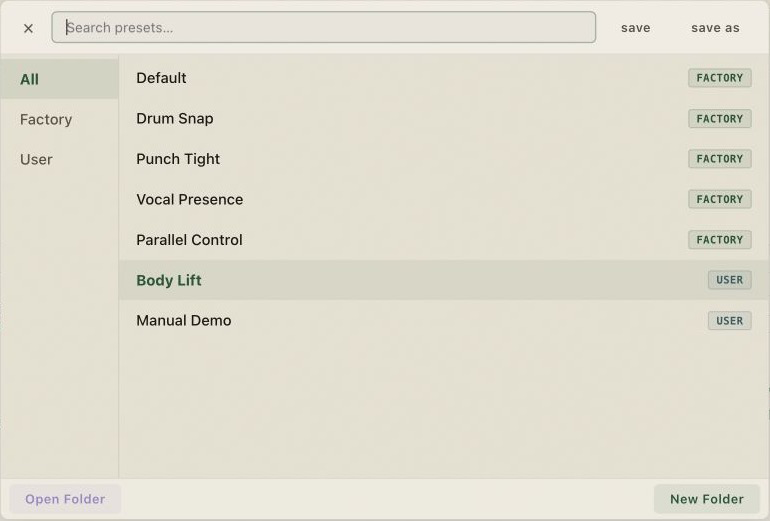
Projects and presets recall automatable parameters plus the saved curves and editor state. Session Recovery is reserved for crash recovery.
Compatibility
Runs as a normal plugin — no iLok, no dongle, up to 2 machines per license.
Formats
VST3 and AU on macOS; VST3 on Windows.
Systems
macOS 11 or newer on Apple silicon (arm64); Windows 10 or 11 on x64.
Audio path
32-bit floating-point processing at the sample rate supplied by the host.
Activation
No iLok · up to 2 machines · up to 30 days offline between successful validations.
Interfaces and menus
Core controls
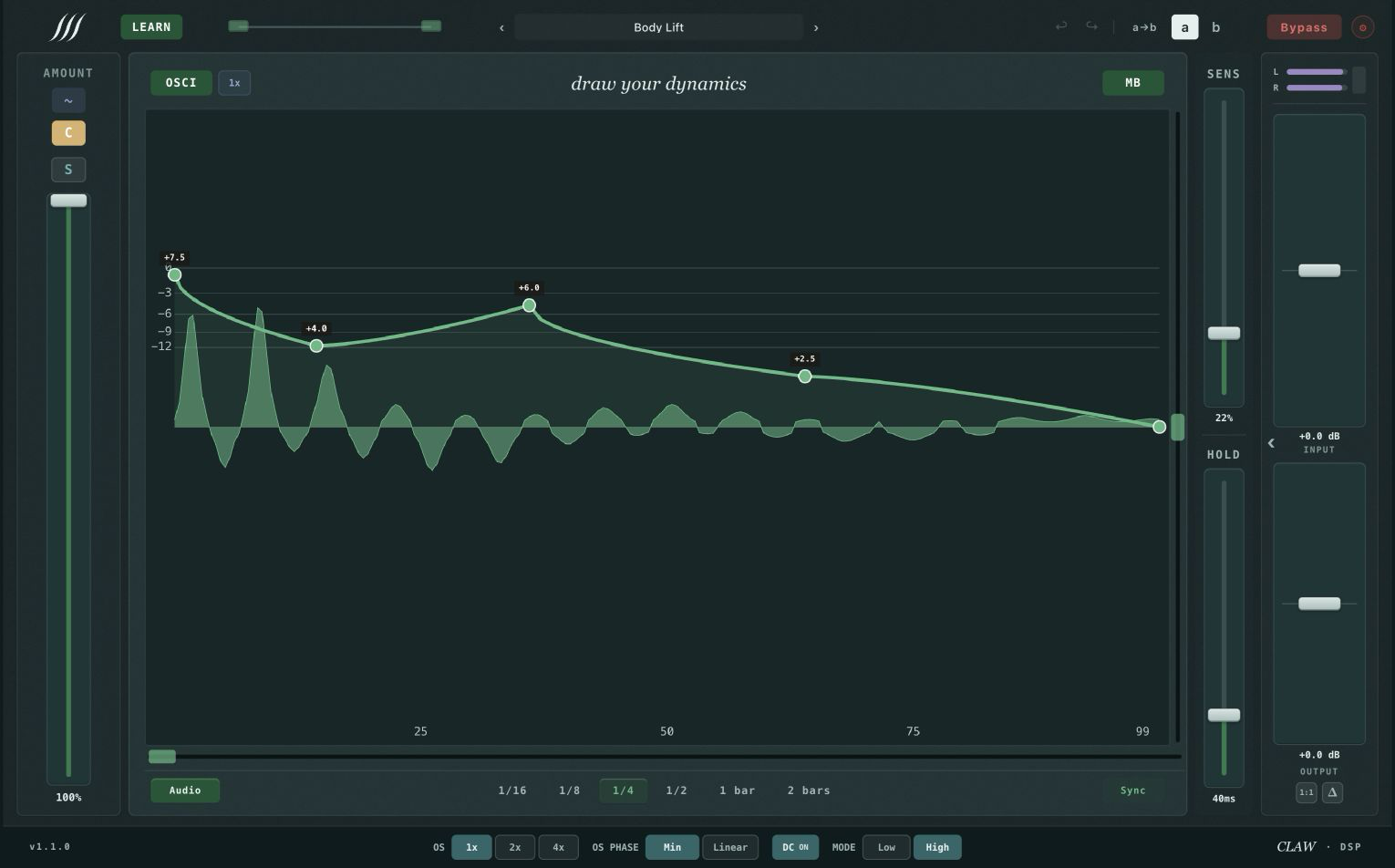
Humanize — Depth (max Amount offset) and Rate (nominal irregular pace).Character — 0-to-Amount ms trigger offset; the first curve value is held during the offset.Settings — help tips, licensing, and Night toggle.LEARN active — capture in progress; hits update the shared detector.Sync mode — envelope locked to the DAW clock at a musical division.Night theme — Single view in teal.
More interface states2 secondary images
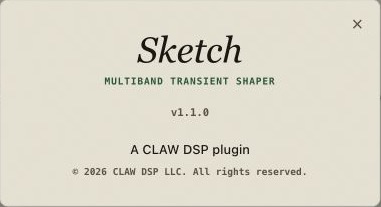
Night theme — Multiband view in teal.About — plugin version and CLAW DSP credit.
Curve Sequencer
More interface states5 secondary images
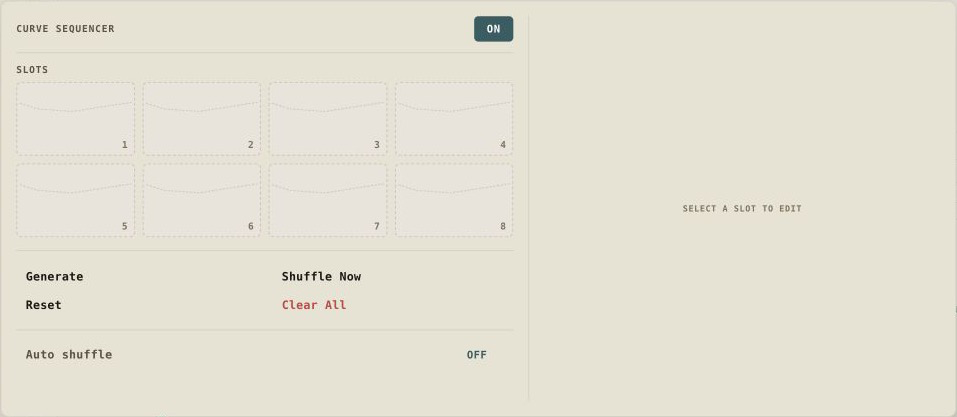
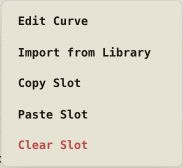
Curve Sequencer — eight slots with individual envelope curves.Sequencer slot (Single) — one curve per slot position.Sequencer slot (Multiband) — low, mid and high curves per slot.Slot context menu — copy, paste, import, clear.Slot import — load a curve from the library into a slot.
Curves & presets
More interface states14 secondary images
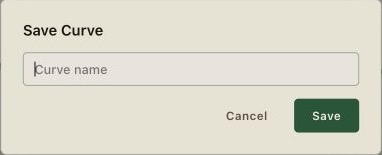
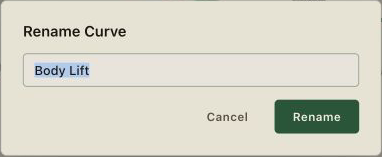
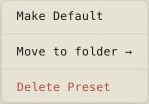
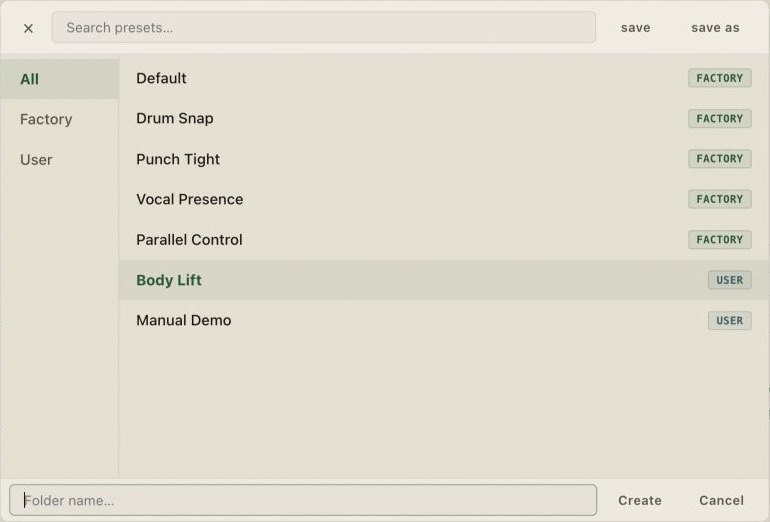
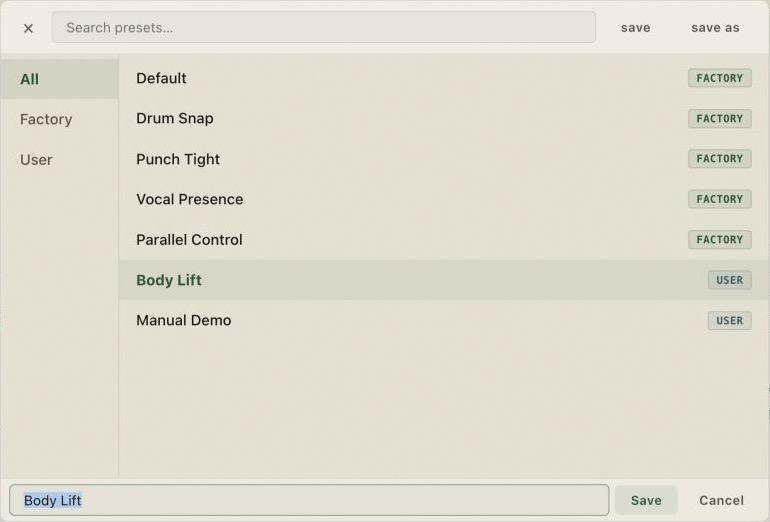
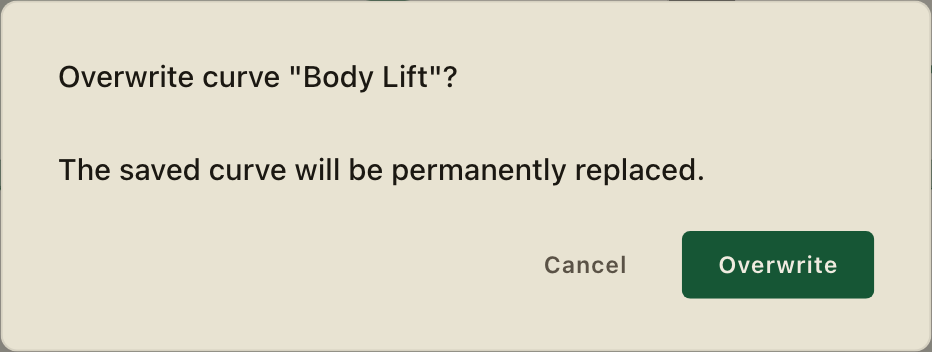
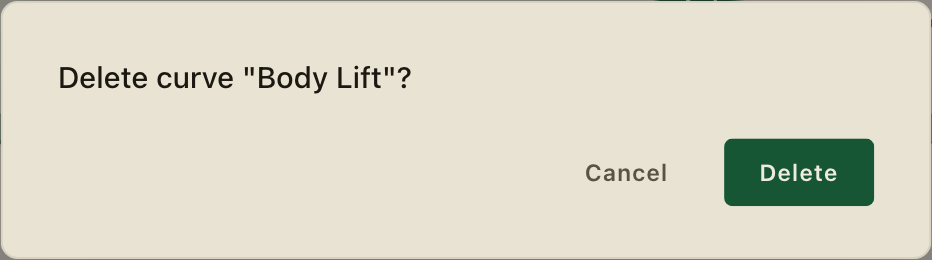
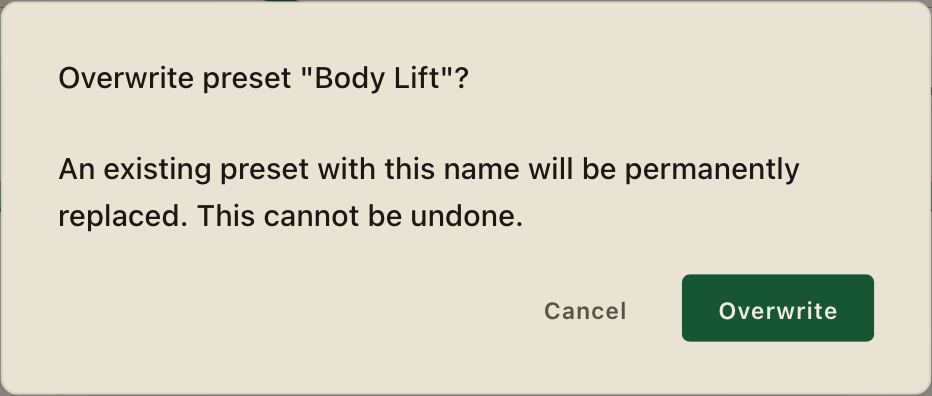
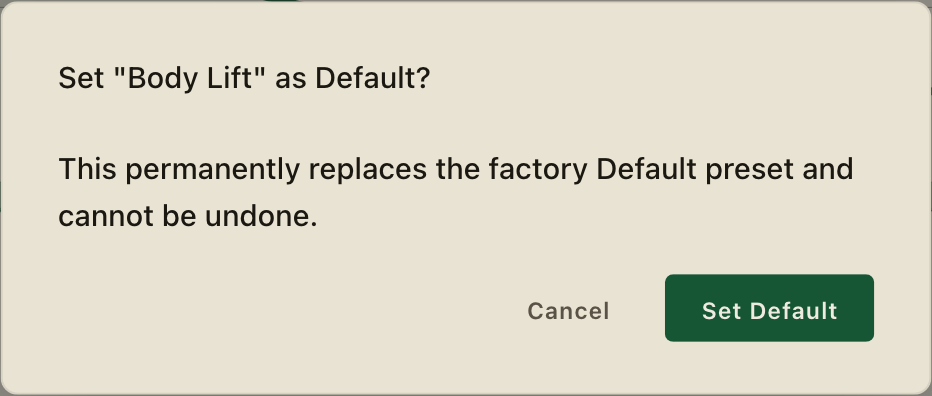
Curve menu (Single) — copy, paste, factory and user curves.Curve menu (Multiband) — per-band copy, paste, and curve library.Save Curve — name and save to user library.Rename Curve — edit a user-saved curve's name.User curve menu — illustrative example; your saved curves will vary.Preset browser — illustrative example; your saved presets will vary.Preset context menu — make default, move to a folder, or delete.Preset folders — illustrative example; folder structure varies.Save Preset As — enter a name and save to the active category.Overwrite curve — confirms before replacing the saved curve.Delete curve — confirms before removing a saved curve.Overwrite preset — irreversible replacement warning.Set Default — confirms the permanent factory Default replacement.Delete preset — confirms before removing the preset.
Licensing
More interface states8 secondary images
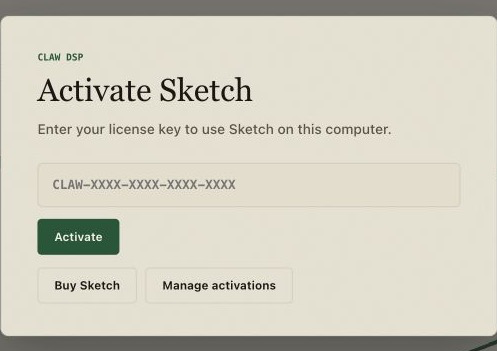
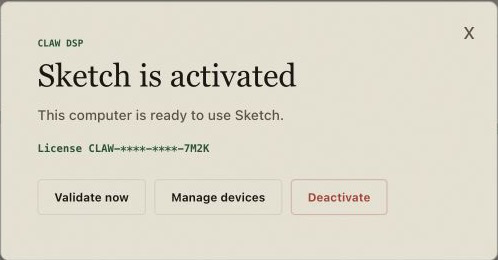
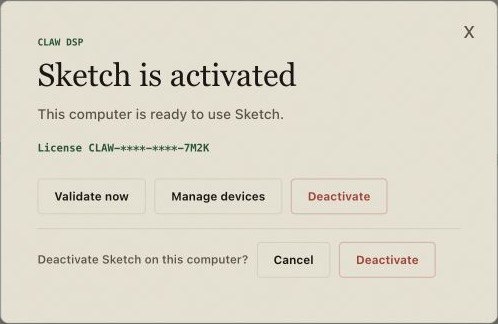
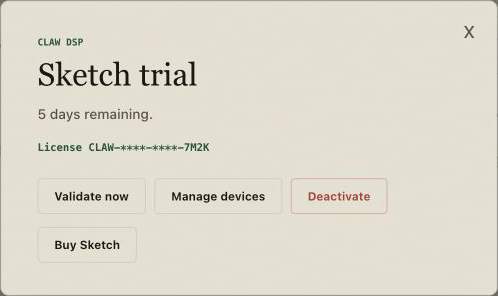
License activation — paste key to activate this machine.License active — machine authorized (illustrative key preview).Deactivate — release this machine to free a slot.Trial active — full version, 21 days.
Wide banner — scroll horizontally to see the ends.
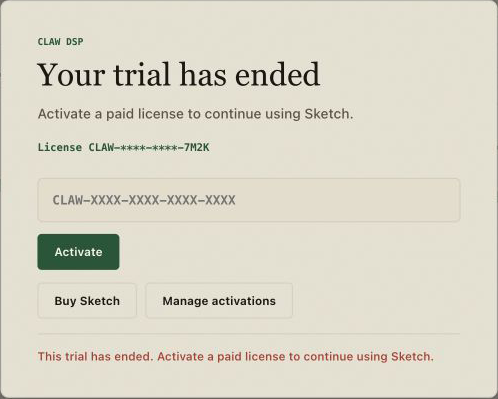
Trial banner — quiet in-plugin trial notice.Trial expired — purchase screen; sessions and settings are untouched.
Wide banner — scroll horizontally to see the ends.
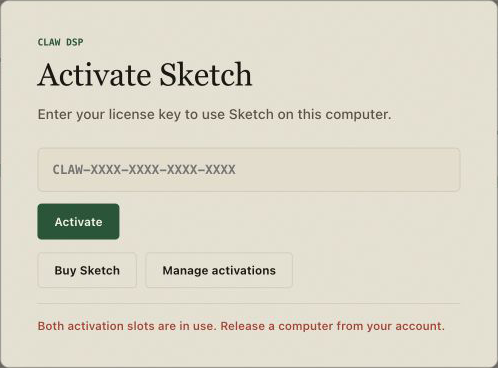
Reconnect prompt — connect before the displayed authorization deadline.Activation limit — free a machine from your account to activate a new one.
Advanced controls & safety
More interface states8 secondary images
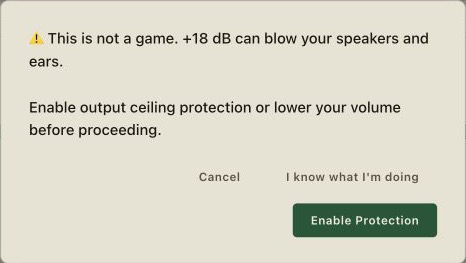
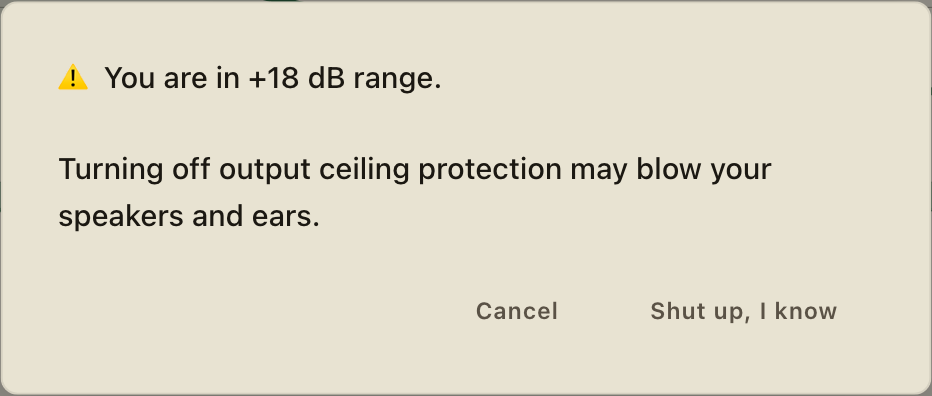
X-slope — crossover slope: 6, 12, 24, 36 or 48 dB/oct.Wet menu — Wet Mix and Clip Intensity (Clip Intensity only with Hard Red).Per-band solo — isolate a band while you shape it.Range warning — lower the volume or Enable Protection before using +18 dB.Disable protection — explicit +18 dB speaker and hearing warning.Global setting — Apply 1x to all instances.
Wide banner — scroll horizontally to see the ends.
Session Recovery — post-crash restore; not a normal recall path.Help tips — contextual help text from Settings.
/03
Curve Sequencer
8 slots · Main lives outside them
Sketch fires a drawn curve on every accepted trigger. The Curve Sequencer stores up to eight of those curves and decides which one plays on each hit. Main is the live canvas the sequencer reads from — never a slot itself.
MainLive source · inherited slots read from here
Auto-shuffleNo auto-shuffle — plays visible order 1 → 8, repeating.
Playhead
Slot 1
Sequencer ON. Mode OFF. Position 1 of 8. Selected slot 1 inherits Main.
Eight slots — no ninth position
The sequencer holds exactly eight slots. Main is shown as the canvas outside the slots because it is the live source that inherited slots read from, not a slot you can select or advance to.
Empty means inherit Main — not silence
An empty or cleared slot inherits the current Main canvas live: change Main and every inherited slot follows. The first edit to a slot materializes only that component into it; the rest keep inheriting Main. A neutral, silent-of-shaping slot requires a flat 0 dB curve, not an empty one.
Single vs Multiband share one position
In Single view, each slot stores one full-band component. In Multiband, Low, Mid and High each have their own component but share the same slot position — one accepted trigger advances the position for all three bands together.
Next Trigger advances one position
Every accepted Audio or Sync trigger advances the sequencer by one position. In Multiband the same accepted trigger advances the position once and all three bands use that slot. LEARN, Focus, Sens, Detail, Hold, Audio/Sync, Character, Humanize, Amount, crossover and Output stay global — the sequencer does not multiply them.
OFF, PLAY and 8 — three ways to play the eight
OFF plays the visible order 1 → 8 and repeats. PLAY builds one shuffled 8-slot bag when playback starts and repeats that same bag on every cycle. Mode 8 plays the visible order once, then mints a fresh complete permutation of the eight positions every eight accepted triggers.
Shuffle Now vs Reset
Shuffle Now physically reorders the saved slots (Fisher–Yates), publishes the new bank and requests a playhead reset — the visible order changes, selection follows the moved content, and the playhead restarts. In PLAY that restart creates a new shuffled playback bag; in mode 8 it restarts from visible position 1. Reset also restarts the playhead, but does not reorder or clear slots, does not clear Main, and does not disable the sequencer.
Clear a slot
Clearing a slot resets all four curves — single, low, mid and high — back to inheriting Main. From that point on the entire slot reads whatever Main currently holds. There is no per-component clear in the sequencer; clear always operates on the complete slot.
Reorder by insertion
Slots reorder by insertion: dropping a slot into a new position shifts the others to make room. Nothing is overwritten or duplicated, selection follows the moved content, and the playhead does not restart. Subsequent triggers read the updated bank immediately. PLAY keeps its runtime permutation until a playhead restart; mode 8 keeps it until the next eight-trigger bag boundary.
Copy, paste and import a slot
Copy serializes the complete four-component slot to the clipboard. Paste replaces the entire destination slot with the clipboard content — all four curves are replaced together. Import materializes an imported curve into all four components of the target slot. In every case the unit is the complete slot, not a single component.
Project, preset and A/B recall
Project, preset and A/B recall save the eight slots — including which components are materialized versus inherited — together with the sequencer mode and the visible order. Loading any of them restores that saved bank and mode, and restarts the playhead from position 1. Runtime position is not preserved across recall.
Generate — visible always, only acts on a valid bank
Generate is visible in the sequencer at all times, but the action is a no-op unless Main has nonempty Single, Low, Mid and High curves and a valid bank. When it acts it replaces all eight slots and materializes their four components as one undoable step, preserves each source's time, Bezier and slider states, applies bounded gain variations (four positive and four negative) across the slots, and restarts the sequencer playhead. It retains the current shuffle mode.
/04
Install
Same steps, either platform
VST3 · AU · macOS 11+ · Apple silicon (arm64)
Sign in to your account and download the macOS installer (.pkg).
Open the .pkg and follow the steps — Sketch installs to the system VST3 and AU folders.
Restart your DAW and rescan plugins if it doesn't appear right away.
Load Sketch on a track and activate it with your license key.
The macOS package available from your CLAW account passed Developer ID signing, Apple notarization and stapling. If macOS blocks that package, redownload it or contact support instead of overriding a copy obtained elsewhere.
VST3 · Windows 10/11 · x64
Sign in to your account and download the Windows installer (.exe).
Run the .exe and follow the steps — Sketch installs to the common VST3 folder and checks the Edge WebView2 runtime used by its interface.
Restart your DAW and rescan plugins if it doesn't appear right away.
Load Sketch on a track and activate it with your license key.
Download the Windows installer from your CLAW account and verify its SHA-256 against the checksum shown there. If your account shows the Windows Early Access warning, the installer is unsigned and SmartScreen may appear; only after the checksum matches, choose More info → Run anyway. If no Early Access warning appears, use the installer normally. Never run a copy whose checksum differs.
/05
Licensing & activation
No iLok · 2 machines
First activation needs a connection
You paste your license key; Sketch sends the key, a hashed machine identifier and — when available — a short machine label, and receives signed local authorization. The raw hardware identifier never leaves the machine. That first check gets the machine running; afterward validation is local first, with periodic online attempts when a connection is available.
2 machines per license
Enough for a studio machine and a laptop. A third activation is refused — the plugin points you to the web to free one first. It never auto-releases a slot for you.
Sign in with a magic link using the same email you used at purchase or trial, see your two machines, and release one yourself — including a dead or reformatted one. No ticket, no wait.
No feature limits and no silence gaps — just a signed expiry date. One trial per email per product; a used trial counts, so it can't be reset by asking again.
Reactivating this machine works only when the license is active and a slot is free. If the license was refunded, revoked or the trial has expired, activation is refused with a clear message from Sketch — buying a new license after an expired trial does not auto-unlock the plugin; open Sketch, paste and activate the new key.
A paid license works offline
After activation Sketch attempts validation about every 7 days when connected. Each successful check signs another 30-day offline authorization. A temporary outage never clears a valid authorization: Sketch retries quietly in the background. Reconnect before its deadline; once it expires, Sketch needs a successful check to authorize audio again.
The trial does expire offline
A trial's expiry date rides signed inside the token, so the plugin honours it even with no internet. Paid licenses use a renewable 30-day offline authorization instead; a trial still ends on its own earlier expiry date.
30-day refund, no questions
If it's not working out, email us or open a request at /support within 30 days and we'll refund you in full — no questions. The server revokes the license immediately. An offline machine stops at its next authenticated validation denial or when its current signed offline authorization expires, whichever happens first.
Starting point: use Multiband to shape the low-band attack and high-band sustain independently. Bypass and level-match often; the useful amount depends on the kit and balance.
02Single mic
Snare top
Starting point: try a short positive attack around the trigger, then return toward unity over roughly 40 ms. Adjust the gain and timing to the mic, drummer and song.
03Close mic
Kick
Starting point: in Multiband, sharpen the low-band attack with a short positive curve while leaving the sustain near unity. Keep the Amount modest and level-match against bypass so a louder result doesn't read as a better one.
04Close mic
Hats
Starting point: on the high band, try a small positive attack lift to sharpen the stick. If the tail rings on, pull the sustain back gently before increasing the Amount. Bypass often — hats forgive very little.
05Room mic
Percussion
Starting point: try Sync at 1/16 with a mild positive attack on the mid band. If closely-spaced hits start stacking, reduce the Amount before touching the timing. Level-match on every change.
06Sampled sub
808
Starting point: shape the low band only, with a short positive attack. Keep the sustain near unity and level-match — long sub tails are easy to over-shorten and lose weight without noticing.
/07
Troubleshooting
The usual snags
My DAW doesn't list Sketch
Rescan plugins and restart the DAW. Confirm the format your DAW loads — VST3 or AU on macOS, VST3 on Windows — and that the install finished.
It says the activation limit is reached
Both machine slots are in use. Free one from your account, then activate again — the third machine is refused by design.
You (or someone on your account) freed this machine from the web. If a slot is open, re-activating recovers it.
I changed a disk or reinstalled the OS
The hardware fingerprint can change, so the old machine may still hold a slot. Release that old machine from your account and activate the fresh one.
Activation failed during first setup
First activation needs a network handshake with our licensing service. If the request times out or your ISP blocks it, try another network or your phone hotspot. Once authorized you can work offline for up to 30 days; Sketch validates quietly when a connection is available.
It asks me to try again in a few minutes
Repeated activation attempts trigger a progressive cooldown of about 1 to 15 minutes. Wait it out, double-check that the key is correct, and try once — hammering the button extends the cooldown instead of shortening it.
The studio has no internet
That's fine for up to 30 days after a successful validation. Sketch retries quietly whenever a connection returns; reconnect before the signed authorization deadline shown in the plugin. After that deadline it needs one successful check before authorizing audio again.
My trial ended
The plugin shows a purchase screen; your sessions and settings stay untouched. Buying a license does not auto-unlock the plugin — open Sketch, paste the new key and activate.